 The Kennel
How the Cash Cup
is produced
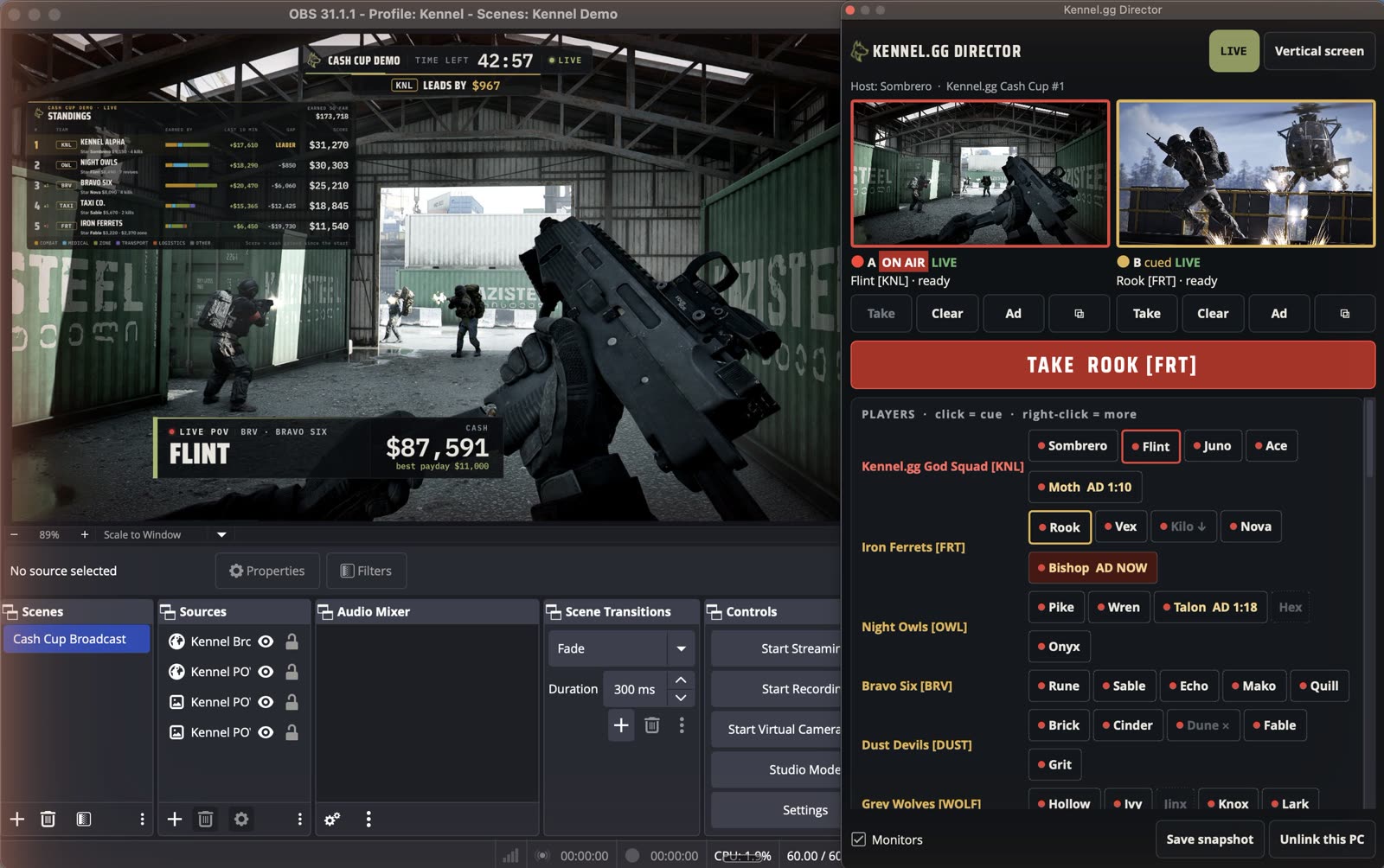
Kennel.gg Director is the production desk inside OBS that runs every Kennel.gg Cash Cup broadcast. Forty players' streams, one host: cut to the action instantly, roll replays, put the scores on screen, and keep the show moving.
Two warm feeds.
Every cut is instant.
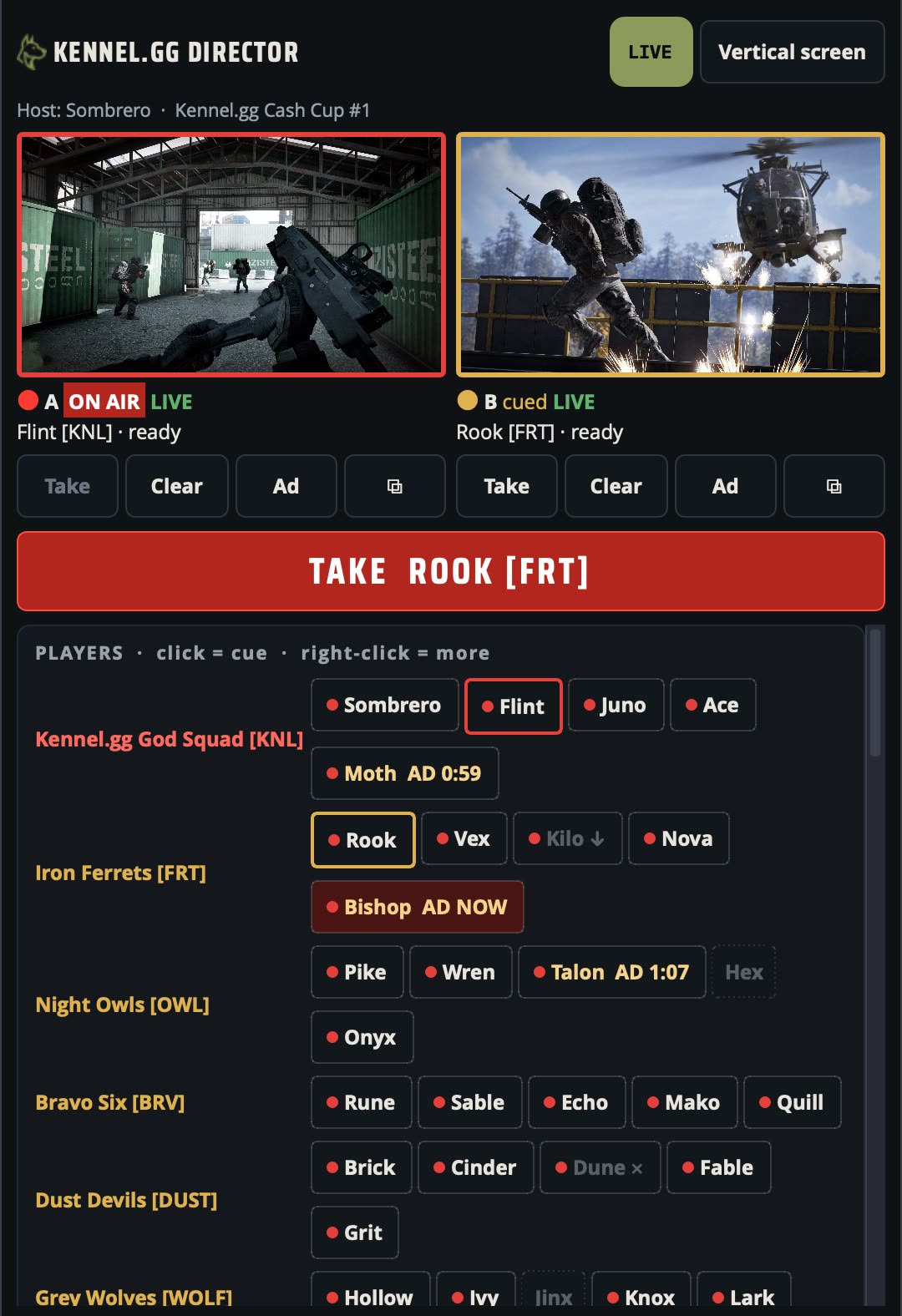
The next player is already playing underneath the one on air, so a cut never waits for a stream to load. Live monitors with tally lights show what's on air (red) and what's cued (amber). One button takes it, with the host's own stinger.
- Players at a glance: live on Twitch, on screen, cued, downed or dead, plugin version, VODs on, ads coming up ("AD 1:10", "AD NOW"). Offline players are dashed.
- Pop any feed into its own window.
- Stream Deck ready: every action is an OBS hotkey.
Big play? Roll it back.
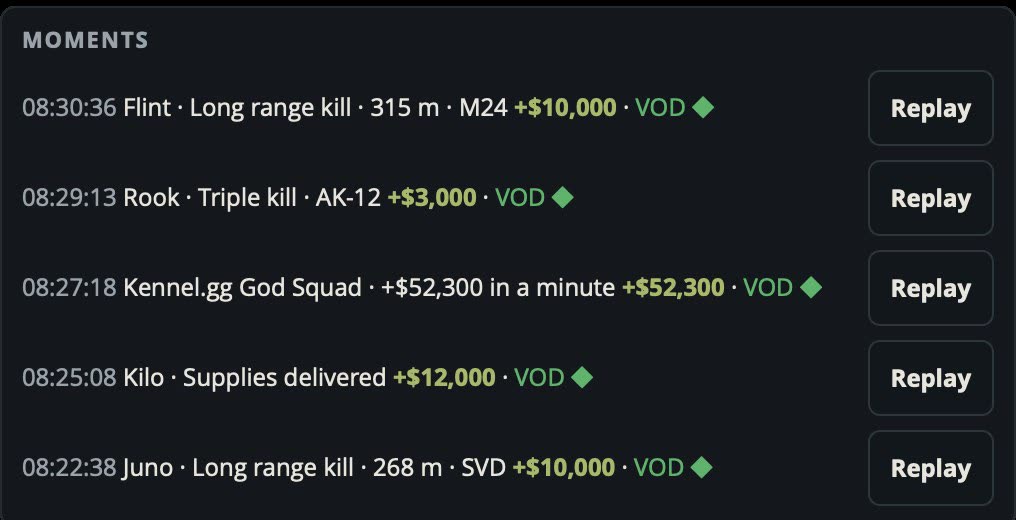
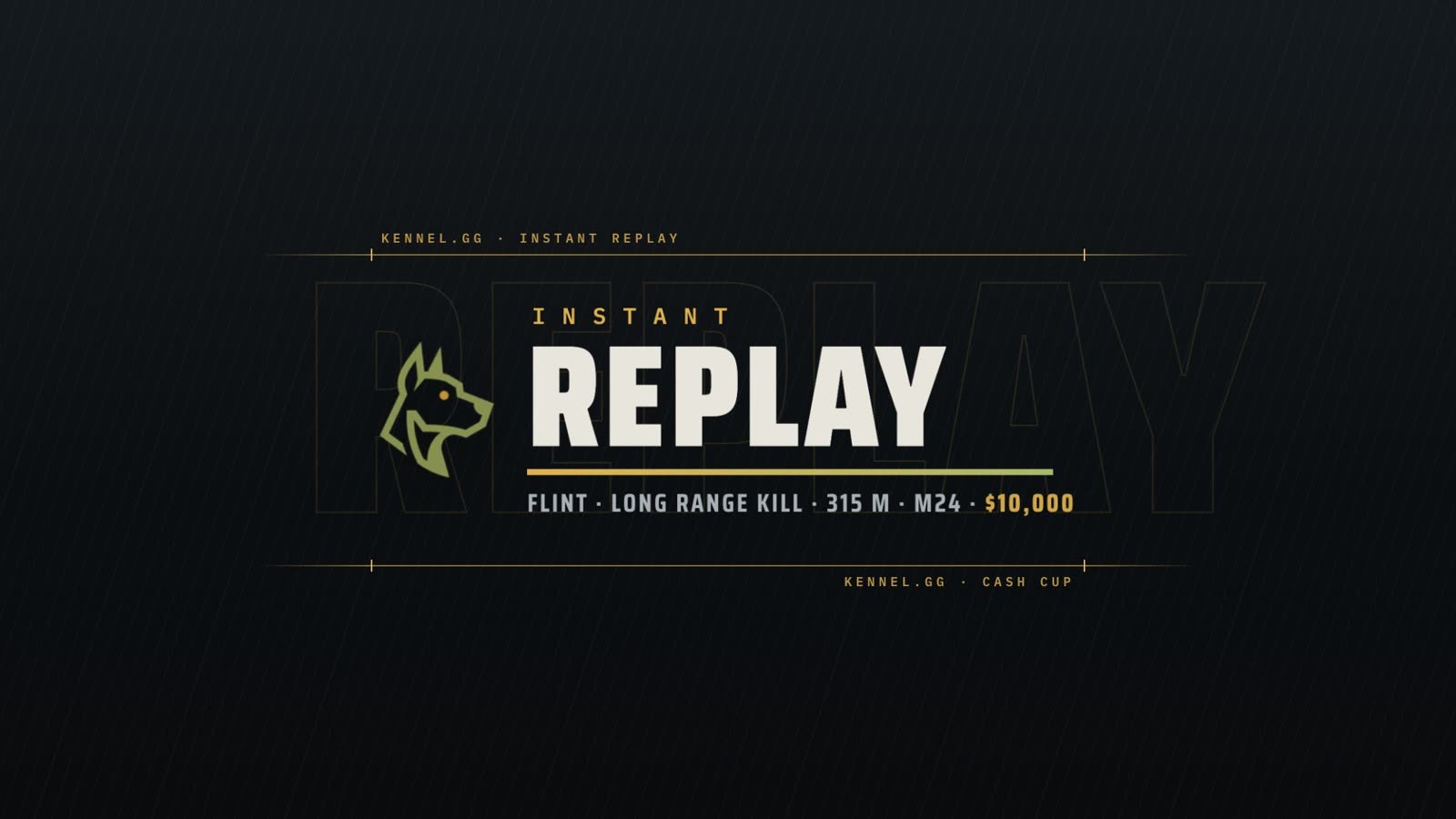
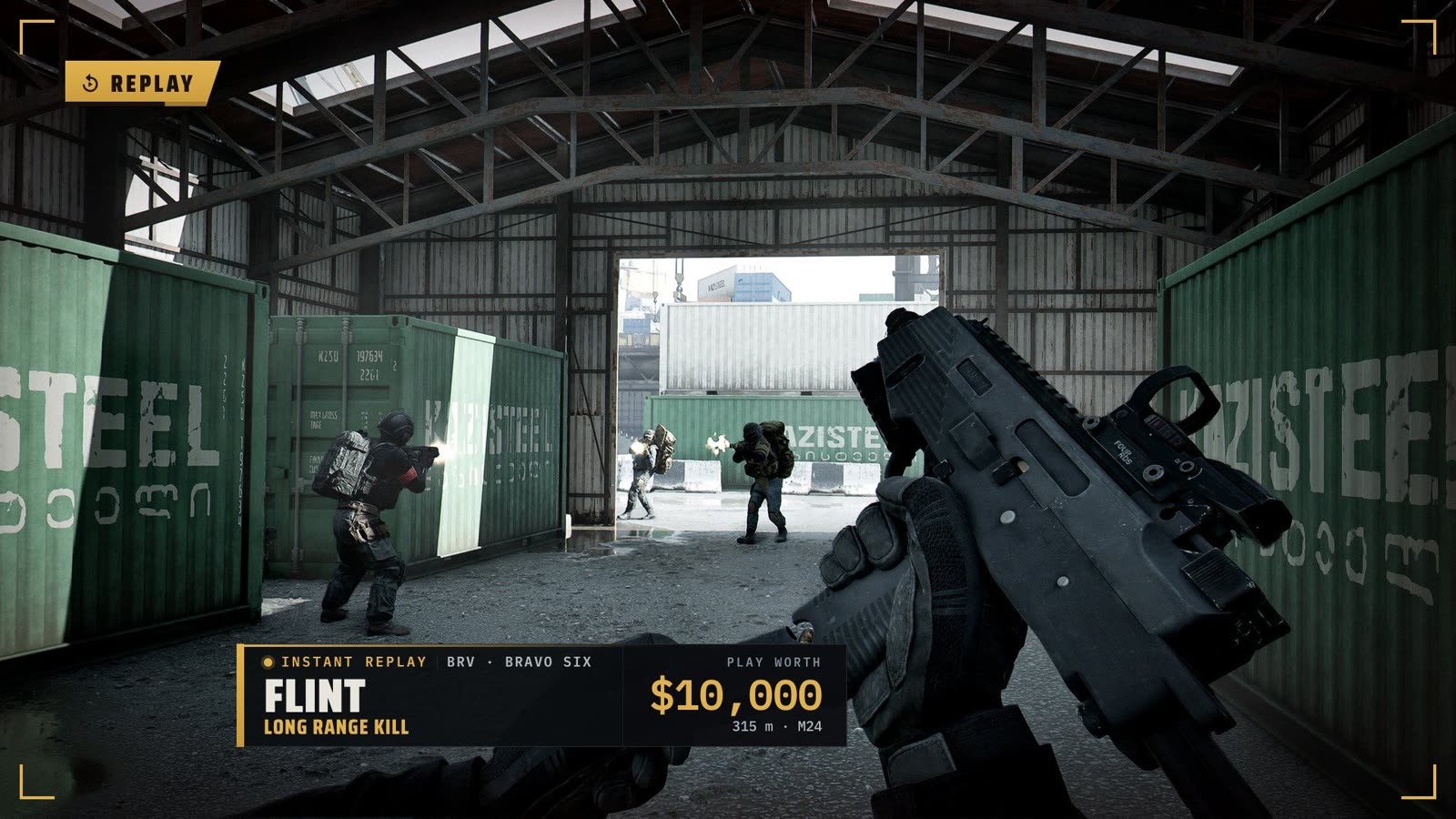
Every big moment lands in the Moments list with a Replay button. Replays come straight from the player's VOD in 1080p with sound, open with a replay stinger and a caption naming the play (weapon and distance for kills), then go back to live by themselves.
Off, Assist or Auto
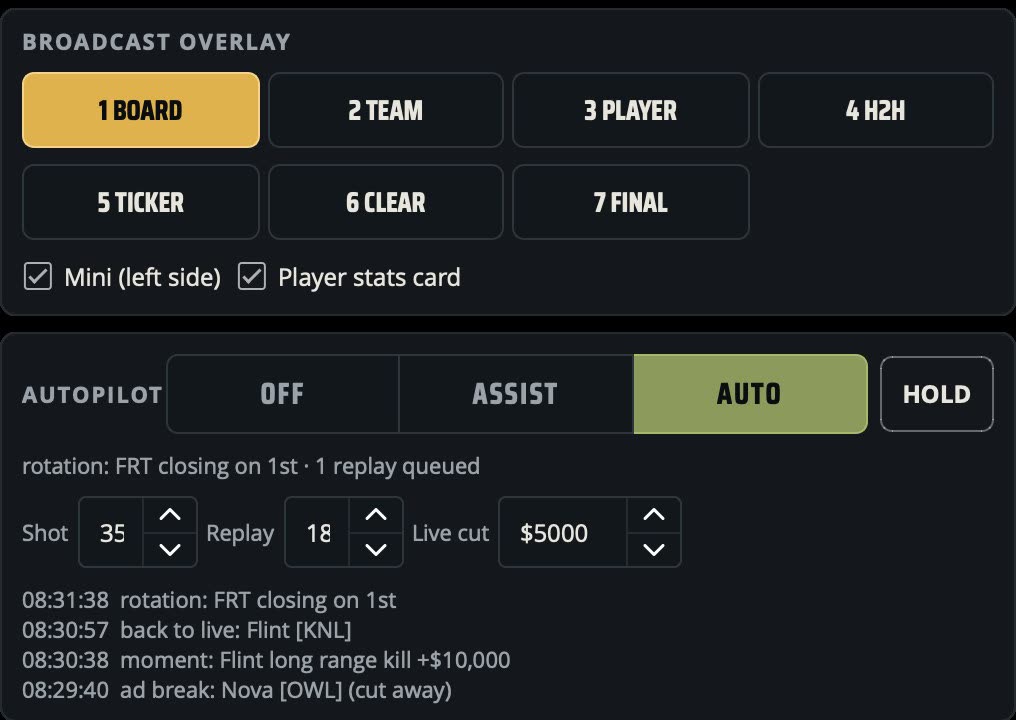
In Assist the Director suggests the next cut and the host approves it. In Auto it runs the rotation itself: closing races, big moments, queued replays. HOLD freezes the shot, and team focus follows one squad.
It never cuts to a dead player, an ad break, or a feed that isn't playing.
What viewers see
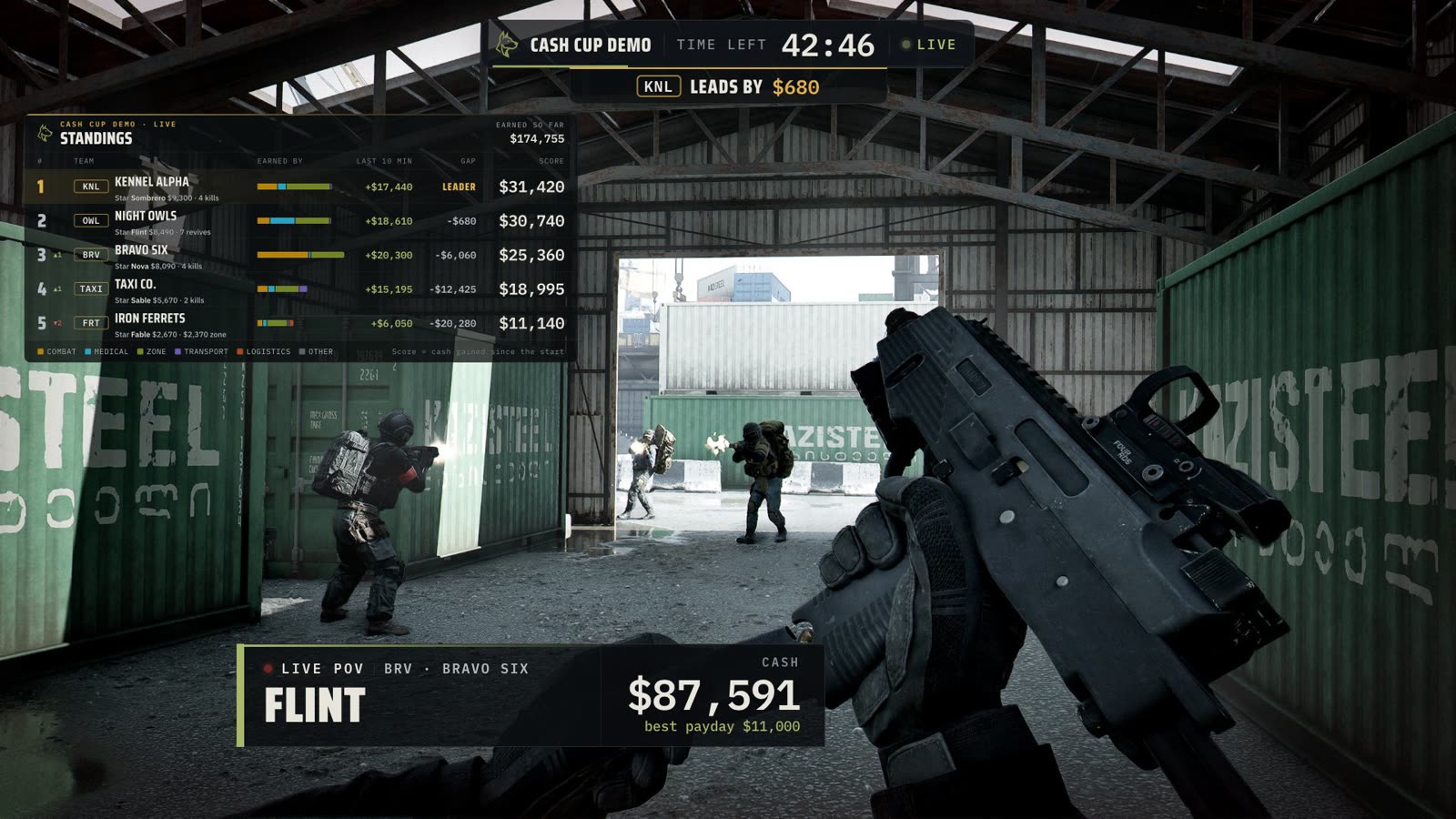
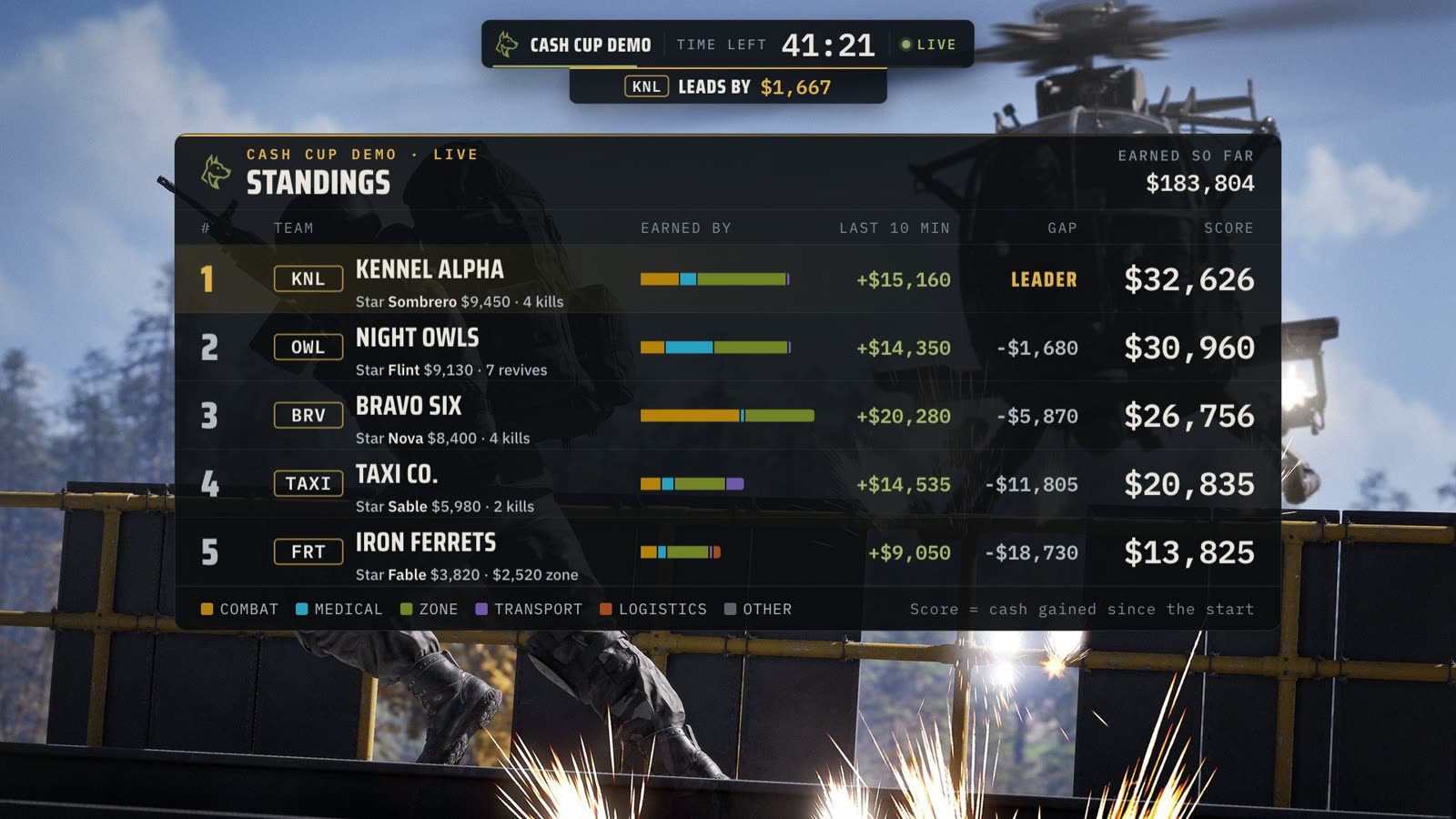
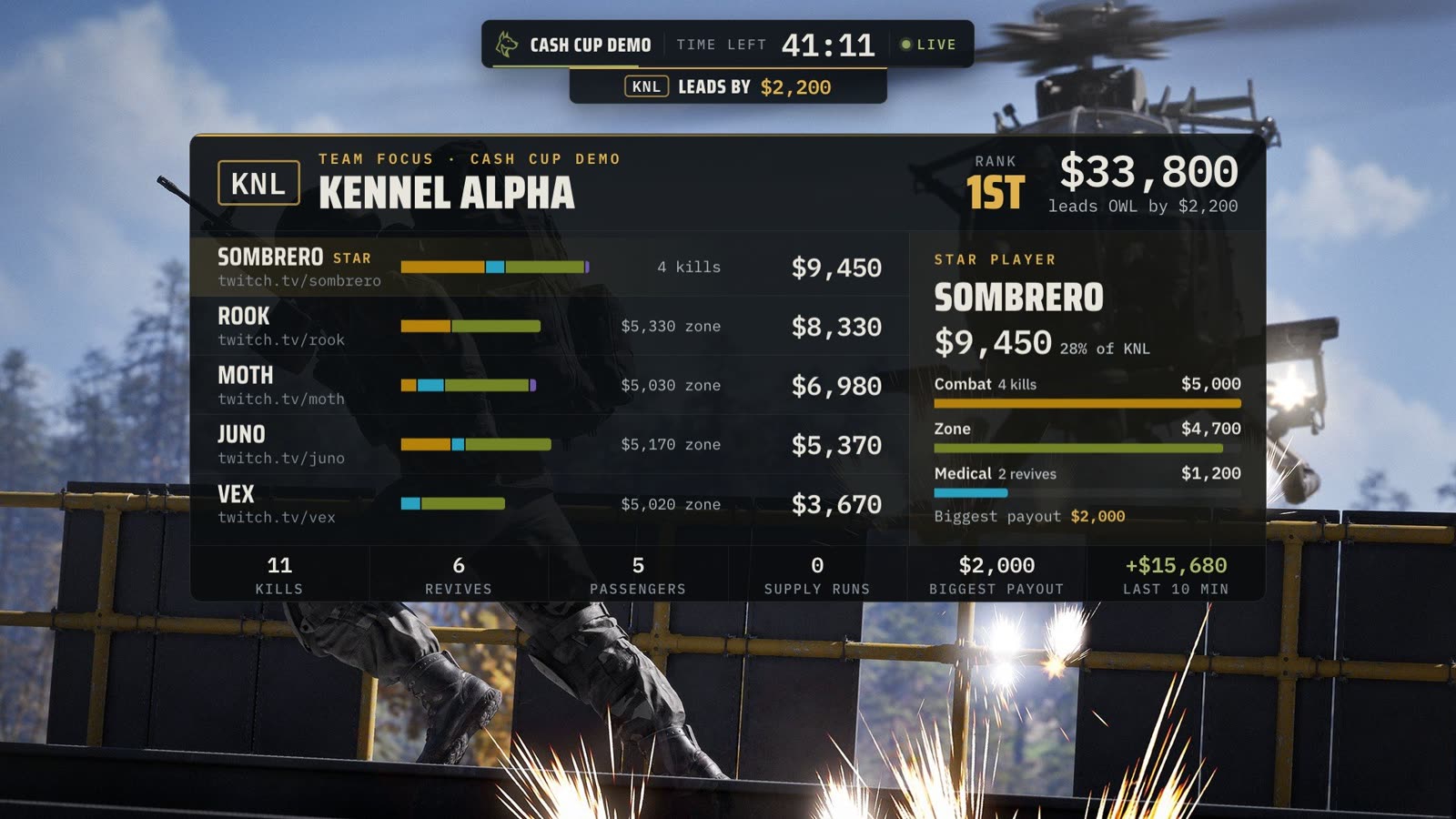
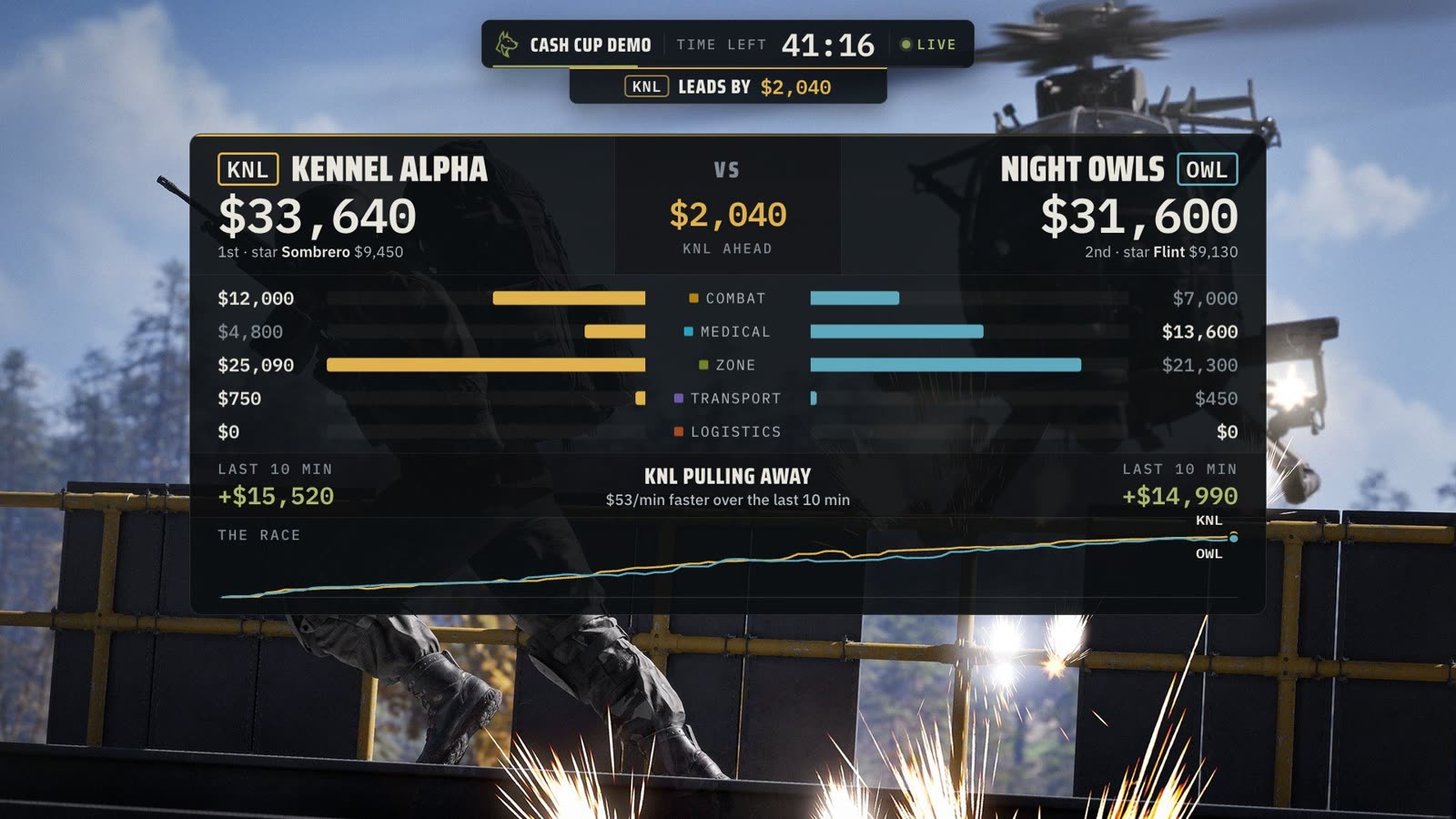
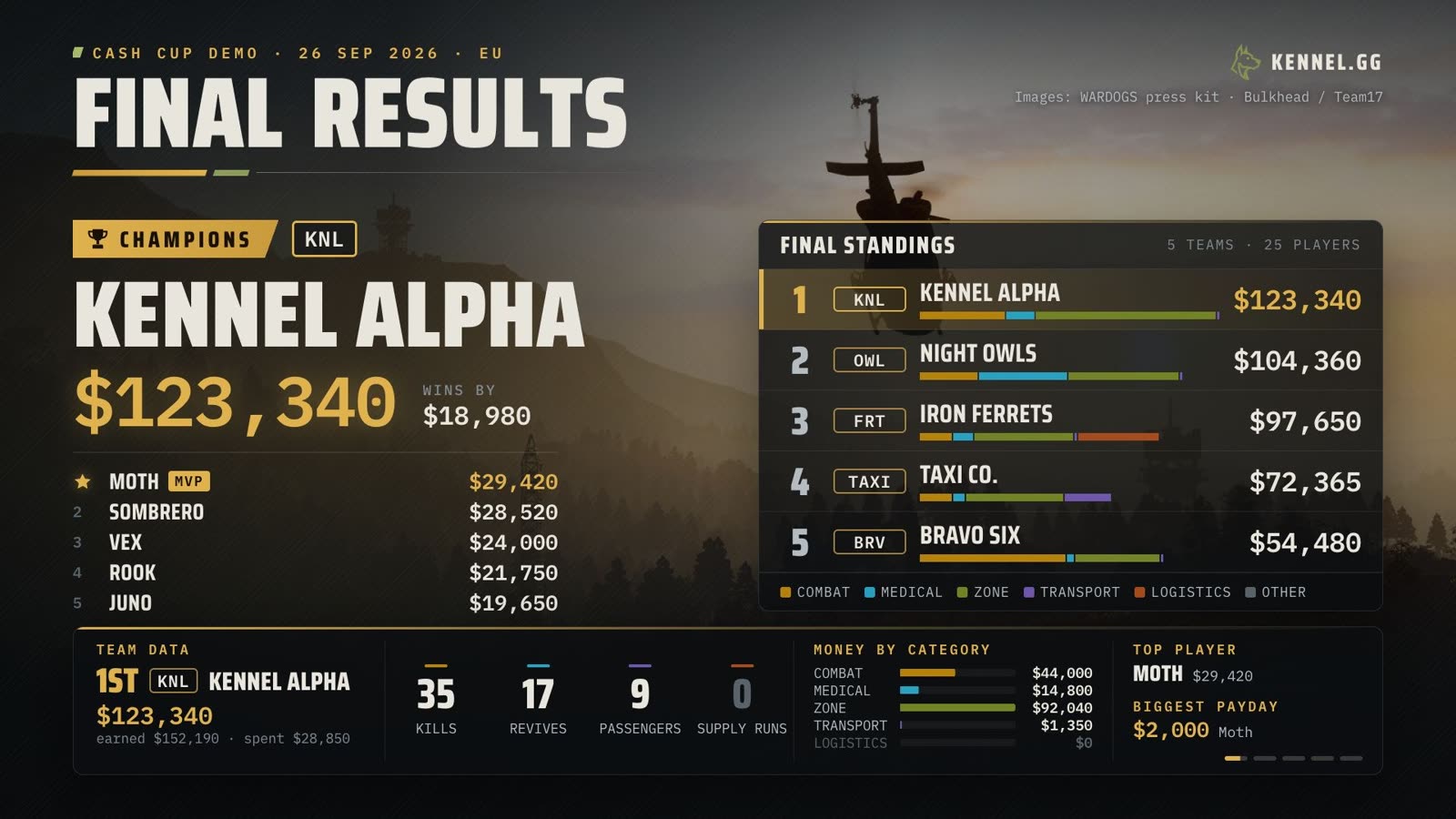
On a live feed: the player card by the minimap, a mini leaderboard and the cup timer. One key puts up a full scene: leaderboard, team, player, head-to-head, ticker or final results. Mini mode keeps the feeds visible underneath.
Sound, control, Twitch
Sound
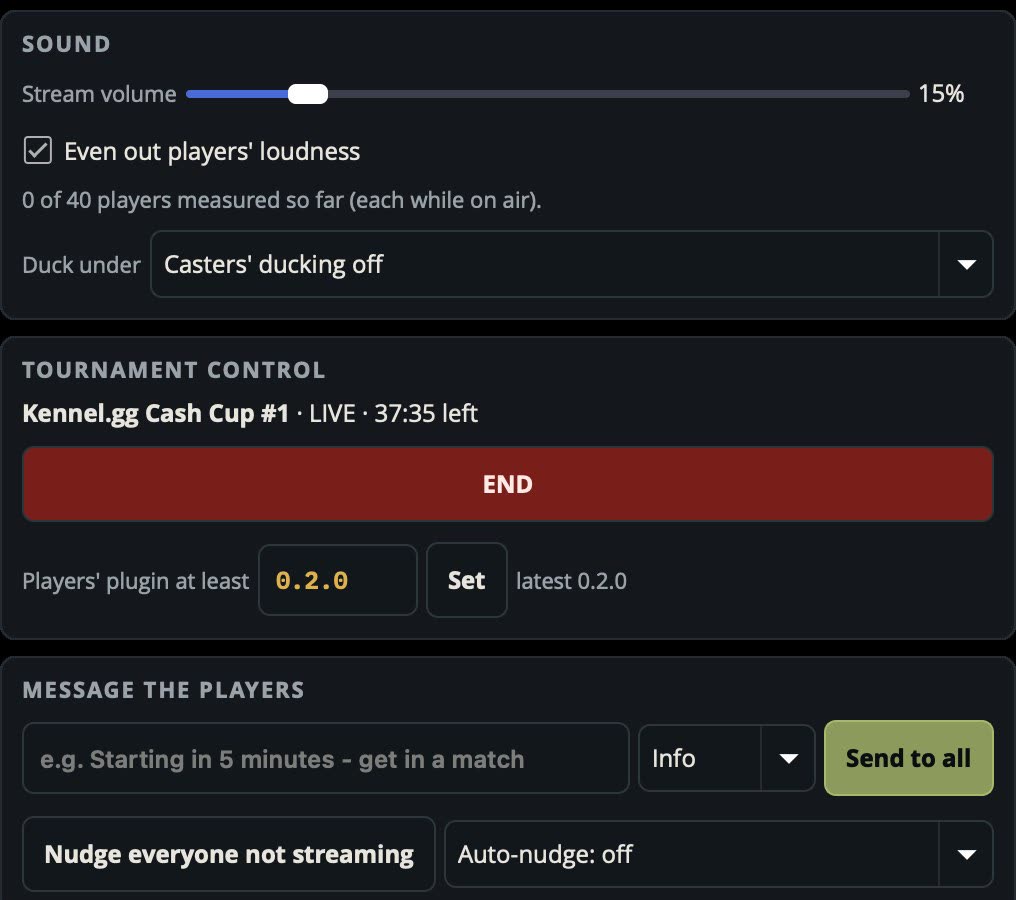
One feed heard at a time, even loudness across every player, and the game dips when the casters talk.
Tournament control
Live ready list, Start / End / Restart (first 5 minutes) and a minimum player plugin version. Message everyone or one player as a pop-up in their OBS, and nudge anyone who isn't streaming.
Twitch
Clips and stream markers at every moment, recording chapters, pre-cup ad breaks and ad snoozes for players who allow it.